Script in. Video out.
In hours 30 min.
Without losing creative control.

One cohesive pipeline for narrative AI video — not five fragmented tools and a missed deadline. For creators who already know the workflow, and want their afternoon back.

Watch it work

See vFlow in action.

A short walkthrough of the script-to-video workflow — from first idea to final export.

Prefer to read? Check out the step-by-step guide.

Made with vFlow

Scripts to viral videos.

A growing showcase of work generated end-to-end with vFlow.
New samples added as creators ship.

Storyboard feature preview
New feature

Storyboard

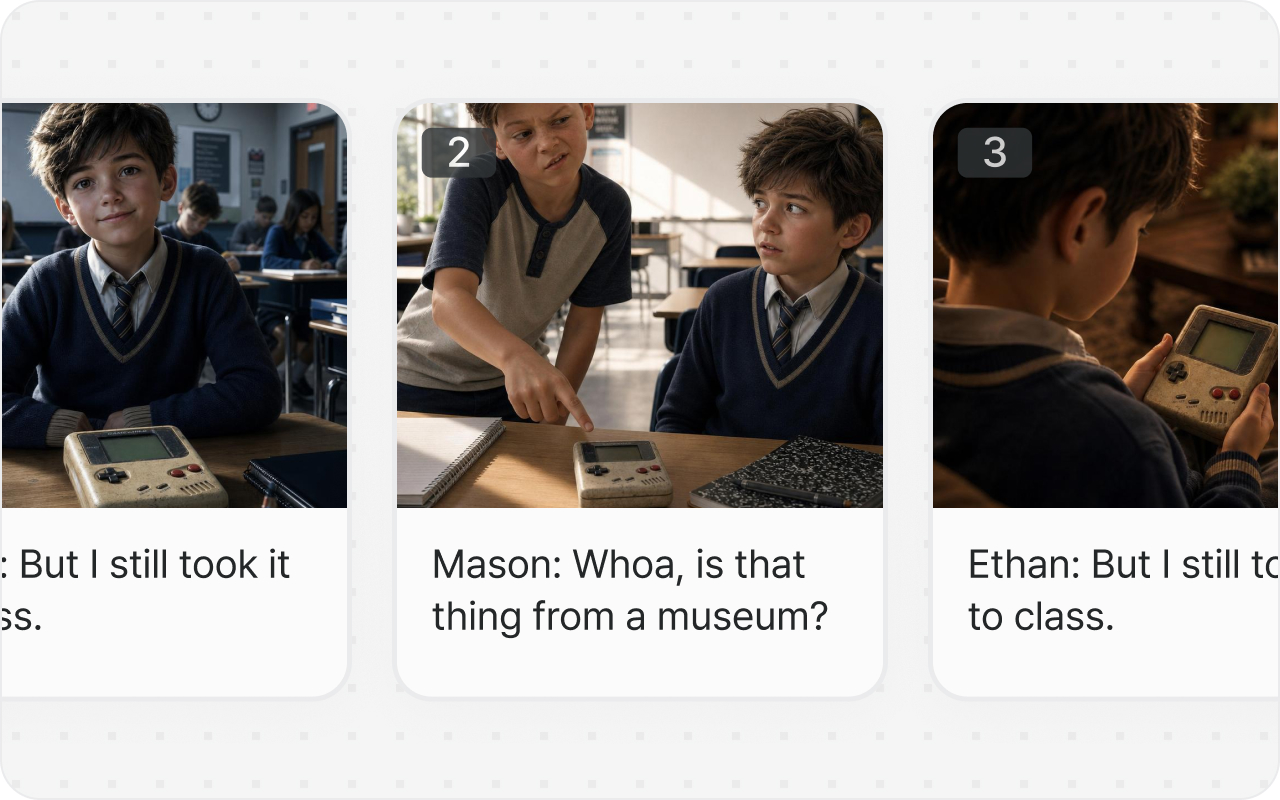
See your whole video before you generate it — scenes, shots, and continuity laid out in one view, so you can direct changes early.

SkeletonShort
Mama Strawberry's StrugglesShort
Fruit DramaShort
Black Orchid's DemandShort
Reef SecurityShort
Birthday CakeShort
The problem

The AI video workflow is broken into pieces.

Five tools, five logins, five prompt grammars.
You spend your afternoon stitching them back together.

📝
01
ChatGPT
Script
🎨
02
Midjourney
Images
🎙
03
ElevenLabs
Voices
🎬
04
Seedance
Video
✂️
05
CapCut
Editor
Time spent
4 - 6 hrs

Each tool with its own prompt grammar, its own login, its own file format. Drag, export, re-prompt, swap. Half a day before a single character feels right.

The shift

One engine. One flow. Script to publish-ready video.

vFlow — one project One flow
01
Script
Paste it in
02
Assets
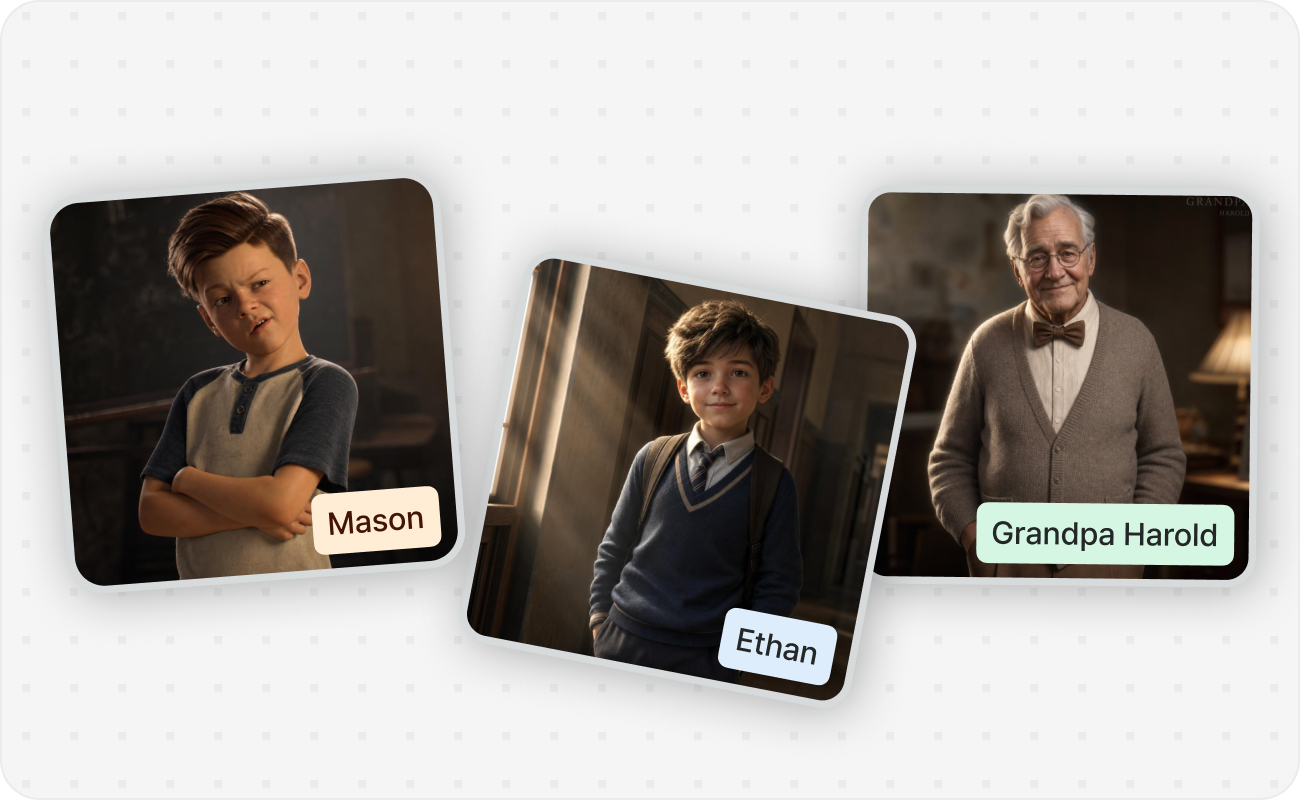
Characters / locations
03
Story
Scene structure
04
Shots
Review & refine
05
Export
Single video out

You write the story. vFlow handles the prompts, the consistency, the voices, the shots, and the stitching.

  • WorkflowOne pipeline
  • ConsistencyCharacters · Locations · Objects
  • EditsCascade automatically
  • ExportSingle stitched video
  • SeriesAssets persist across episodes
What's inside

The features that make it actually cohesive.

New feature

Storyboard

Lay out scenes and shots before generating. Review composition and continuity in one view, then direct changes where they matter.

Storyboard feature preview
New feature

Lip-sync

Match character mouth movement to dialogue automatically. Bring speaking scenes to life without manual frame work.

Lip-sync feature preview

Script-first input

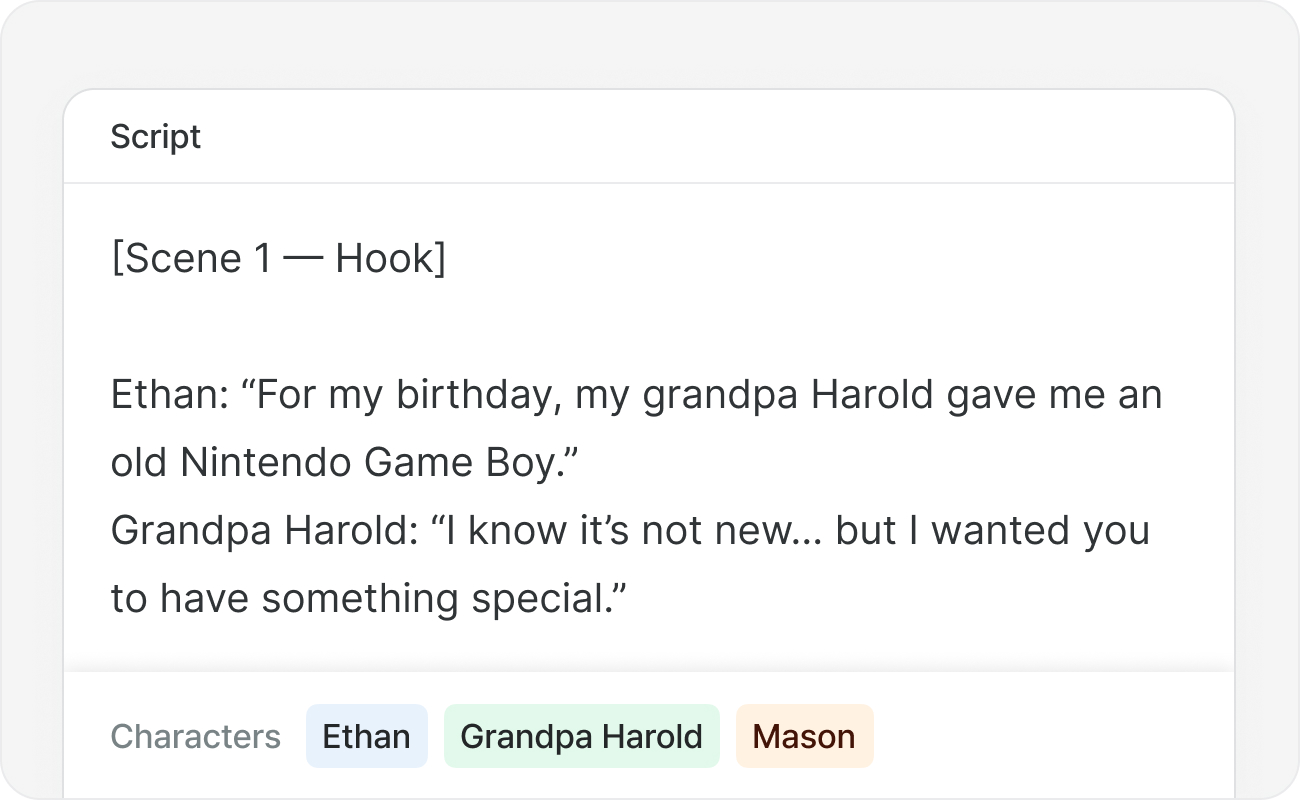
Paste your script. vFlow auto-detects speakers, characters, locations, and key objects — and casts a TTS voice for each.

Script-first input

Character consistency

Your recurring cast stays visually consistent across every shot, every scene, every episode in your series.

Character consistency

Locations, not backgrounds

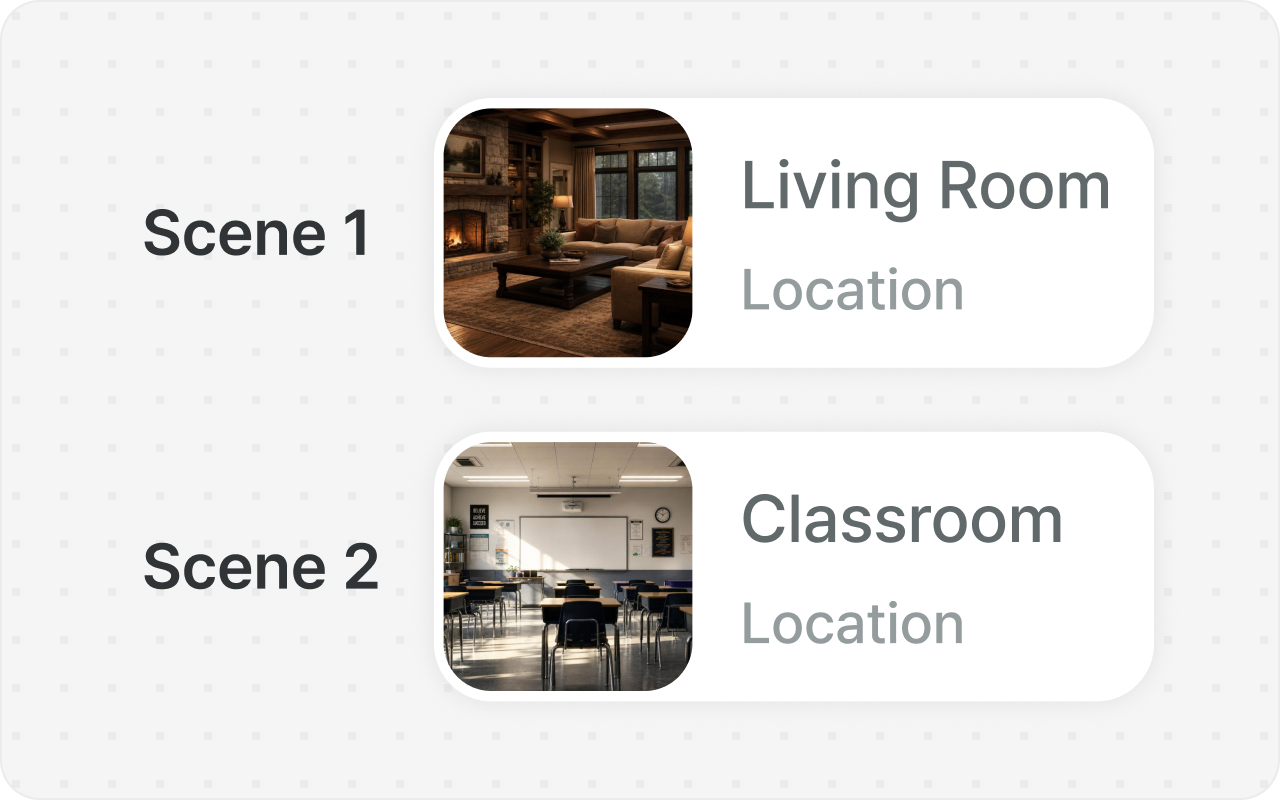
Locations map 1:1 to scenes. Backgrounds vary shot-to-shot within the same location, the way real coverage works.

Locations, not backgrounds

Cascading regeneration

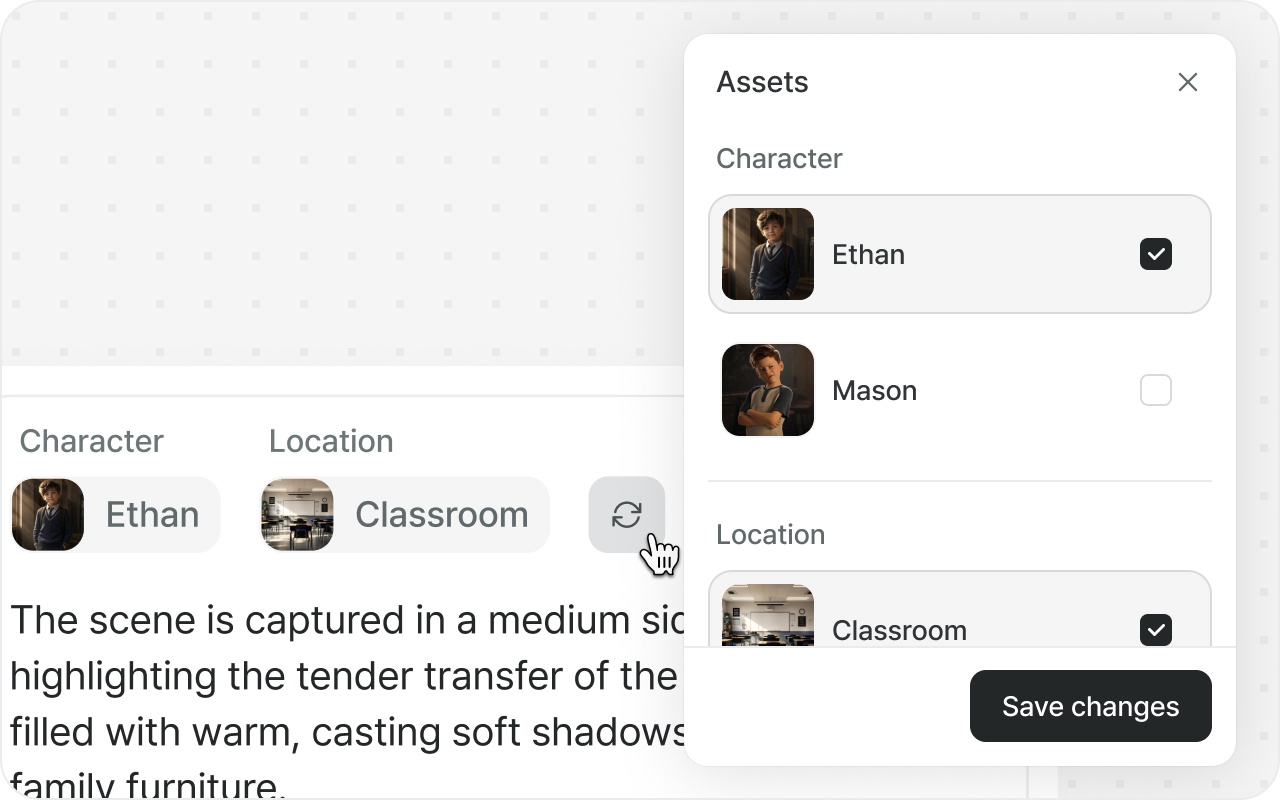
Edit a character once and every affected shot updates. Swap a reference and the prompt rewrites itself.

Cascading regeneration

Shot-level review

See every shot before you export. Edit prompts, swap references, regenerate selectively — full control where you need it.

Shot-level review

Single-file export

One finished video, ready to publish. No per-clip reassembly.

Single-file export

Try vFlow now

Free credits. Pre-launch access. A direct line to our team.

Try vFlow